QR Safety
Are QR Code Generators Safe?
Learn how to check a QR code generator, inspect the downloaded destination and avoid exposing private data before you print or share a code.
Quick answer
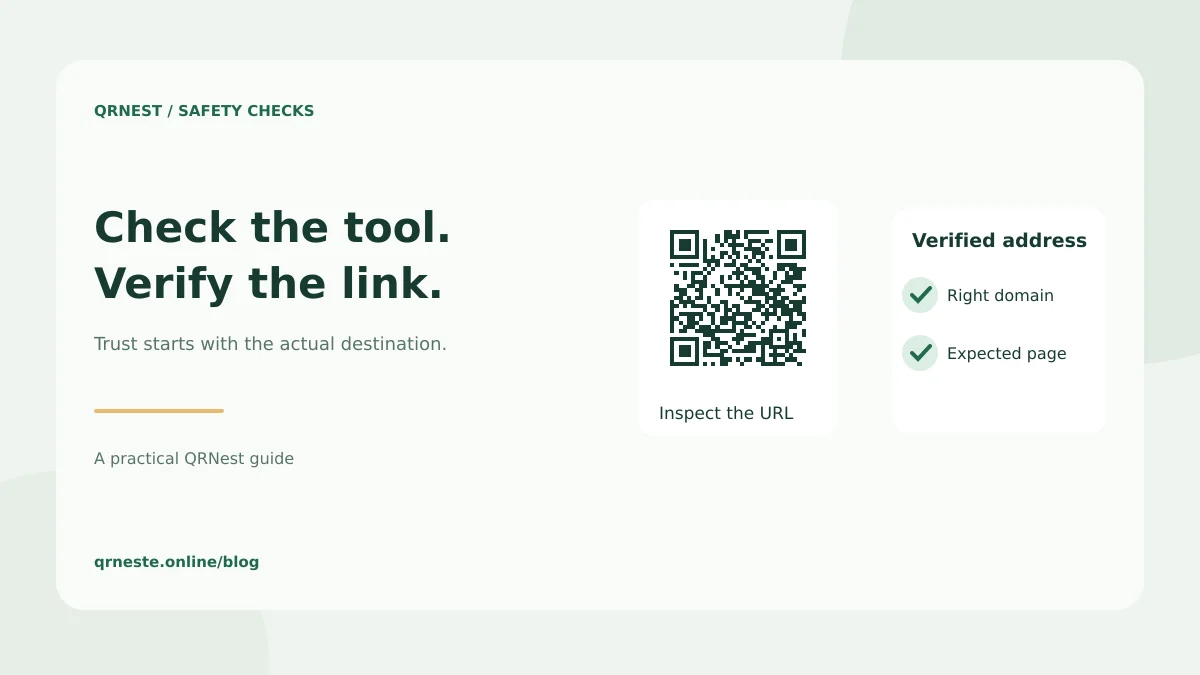
A QR code generator can be safe to use, but assess both the tool and the destination. Check how it handles your input, decode the downloaded image and confirm the exact URL. A familiar-looking pattern or an HTTPS padlock does not prove that a destination is trustworthy.
In this article
What should you check before using a generator?
Start with two separate decisions: whether you trust the service with the information you enter, and whether you trust the address the finished image opens. A tool can produce a perfectly readable code that leads to the wrong page. A legitimate destination can also be shared through a service whose retention or subscription terms do not suit your project.
For a public restaurant menu, the input may be a public URL. For a Wi-Fi network or contact card, it may include information you would not otherwise publish. Use sample data while comparing tools. Read the provider's privacy policy and identify whether generation happens in your browser, on its servers, or through a connected service.
How do you verify the downloaded QR code?
- Generate a code for a public test page you control.
- Download the actual image you intend to distribute.
- Scan it and inspect the URL preview before opening it.
- Compare the hostname and path with your intended address.
- Open the page and check that it offers the promised content.
If the preview shows a provider's short domain, investigate its redirect policy, ownership and ongoing charges. A redirect can be a legitimate feature; it also introduces another service that must keep operating. Our guide to QR code expiry explains the difference between a fixed pattern and an available destination.
What information should you leave out?
Do not encode account passwords, recovery codes or confidential records in an ordinary public QR image. Anyone who obtains a readable copy can decode its stored content. A code is a way of representing data, rather than an access-control mechanism. For restricted information, point to a page with its own login and permissions.
QRNest generates static codes. It does not provide a hosted redirect dashboard or a password gate. A QRNest URL code stores the address you supply; choosing a public or protected destination remains your decision. Check our privacy policy before entering information and use a guest network when sharing Wi-Fi access publicly.
How can you make scanning safer for visitors?
Print a clear description and readable domain beside the code. Keep your physical displays under review so an unexpected replacement sticker is easier to notice. If the destination changes, confirm that the printed promise still matches it. Avoid instructions that pressure visitors to sign in or pay immediately.
The FTC's guidance on harmful QR links describes replacement stickers and urgent messages used in scams. Inspect unfamiliar addresses and contact a business through a known channel when a request seems unexpected. For your own campaign, test the exported file again after placing it in the final artwork.
Put this guide into practice
Generate a static QR code for your own verified text or URL, then test the downloaded result.
Create a URL QR code ↗Official sources and further reading
This guide describes the current QRNest tools. Destination services and other apps may behave differently. Report an error or suggest an update.