Website experience
QR Code Landing Pages: What Visitors Need After the Scan
Plan a focused QR landing page with a clear action, relevant mobile content and a stable URL. Use a practical pre-print acceptance checklist.
Quick answer
A good QR landing page confirms what the visitor scanned and makes the next action obvious. Use a stable HTTPS URL, match the promise on the printed material and remove unnecessary steps before the useful content or action.
In this article
Match the page to the promise beside the code
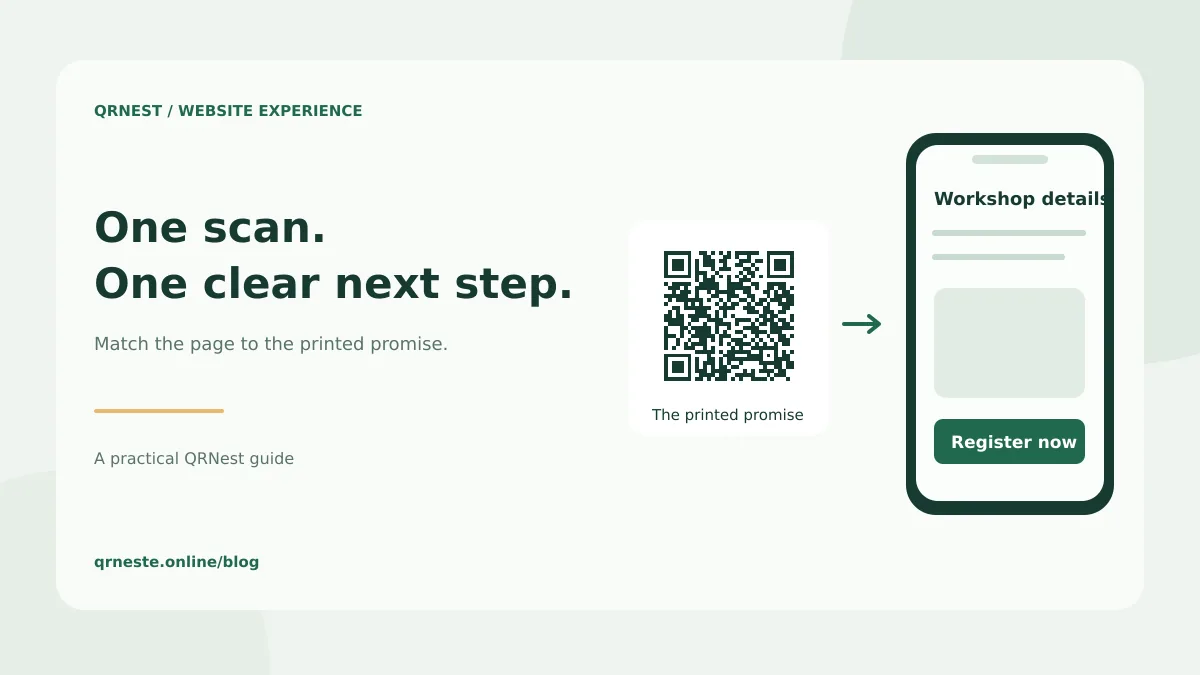
If a package says “Setup instructions,” the first screen should help the buyer set up that product. A generic homepage forces the visitor to search again. If a poster promises registration, show the correct event and make the registration action easy to locate.
Write an acceptance sentence before designing the page: “After scanning the workshop poster, a visitor can confirm the date and register.” That sentence is more useful than a vague objective such as “increase engagement.” It gives your team a task to test.
Use a small, purposeful page structure
| Page element | What it should answer |
|---|---|
| Heading | Am I in the right place? |
| Short explanation | What can I do here? |
| Primary action | What is my next step? |
| Essential detail | What do I need to know before acting? |
| Fallback or support | What if the main route does not work for me? |
For a repair workshop, that might mean the service name, collection hours, a booking button and a contact route. It does not require a long marketing essay, several unrelated offers and an automatically playing video. The right amount of content depends on the visitor's task.
Design for the situation, not just the screen width
QR visitors may be standing in a shop, reading a product box or using a weak connection at an event. Put important information in readable text rather than only in an image. Keep interactive controls understandable and avoid moving them unexpectedly while the page loads.
Use a descriptive title, clear headings and meaningful links. The W3C's accessibility writing guidance provides useful principles for those elements. A button should name its action, such as “Download the manual,” rather than relying on a visitor to infer what a generic “Continue” will do.
Choose an address that can survive updates
A short URL on a domain you control is often practical for long-lived print. For example, https://example.com/model-a/setup can stay in place while you update the instructions. Decide who owns that page and how visitors should be redirected if it eventually moves.
A static QR code stores the original address. Changing the page served at that address is different from rewriting the code itself. Preserve the destination carefully and test an old printed copy after any site redesign.
Run a pre-print acceptance test
- Open the complete URL while signed out and confirm public access where intended.
- Find the promised information without using the site's search or main navigation.
- Complete the primary action using a phone and a keyboard-accessible route.
- Check labels, error states and the confirmation shown after submission.
- Test the final printed code and its readable fallback address.
- If measuring campaigns, verify the destination's actual attribution and consent behavior.
Use a representative content draft rather than empty placeholder buttons. A page can look finished while its form, file permissions or confirmation step is incomplete.
Make the content useful beyond the scan
When a page deserves to be public and searchable, give it accurate information and a clear purpose. Google's people-first content guidance emphasizes usefulness and original value. Do not turn a simple landing page into repeated keyword paragraphs merely to make it longer.
Common questions
Does QRNest host the landing page?
No. Create and maintain the destination on your website or chosen service, then generate its URL code in QRNest.
Should the code link directly to a PDF instead?
A direct file link can suit one simple document. A landing page is helpful when visitors need context, several language choices or a stable place for changing downloads.
Put this guide into practice
Generate a static QR code for your own verified text or URL, then test the downloaded result.
Link a QR code to your landing page ↗Official sources and further reading
This guide describes the current QRNest tools. Destination services and other apps may behave differently. Report an error or suggest an update.