QR Code Questions
Can One QR Code Open Multiple Links?
Use one QR code to open a mobile page with several links, without expecting a phone camera to launch several websites at once.
Quick answer
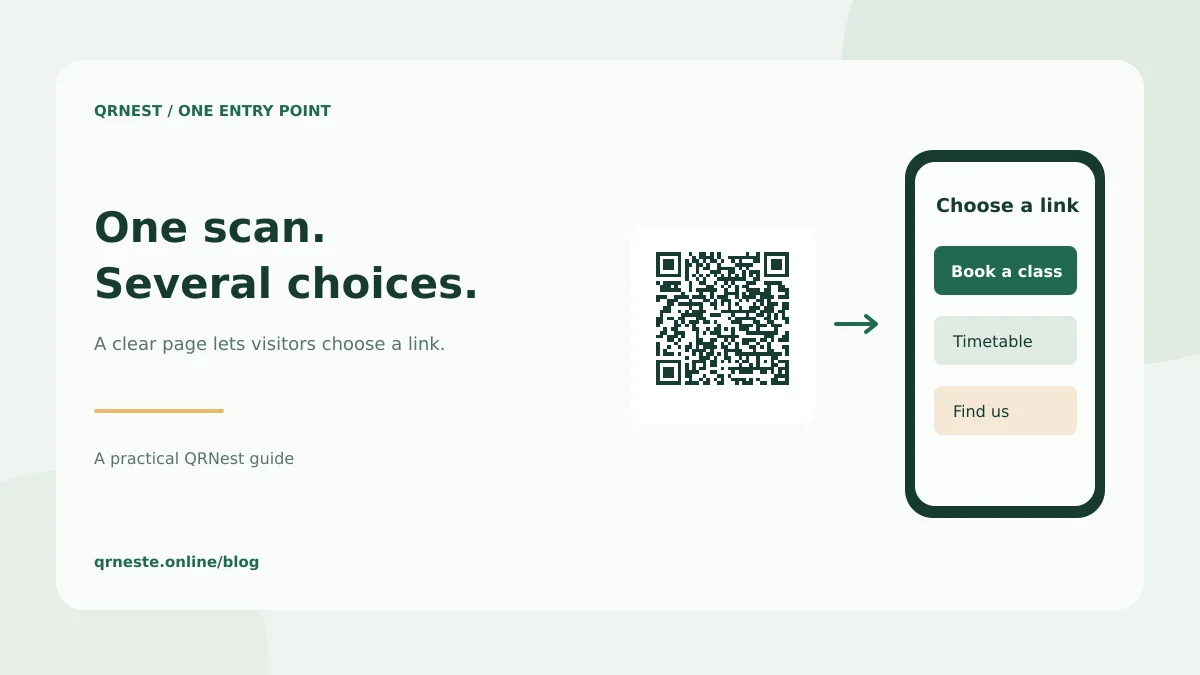
Yes, one QR code can lead to a page containing several links. The reliable approach is to encode one landing-page URL and let visitors choose a destination there. Putting several URLs into a text code does not reliably make a phone open them all or show a usable link menu.
In this article
How does a multiple-link QR code work?
The printed pattern usually contains one address. That address opens a page with buttons for a menu, reservations, directions or social profiles. The choice happens on the web page after scanning. This approach works with a static URL code, provided you have somewhere to host the page.
For example, a fitness studio could publish a page with three choices: book a trial class, view the timetable and find the entrance. Print that page's address in the QR code. When the timetable moves, update the relevant button on the page while keeping the entry URL stable. Existing posters can continue opening the page they originally encoded.
How do you set up the page and code?
- Create a mobile-friendly page on a domain or hosting service you control.
- Add a short heading that matches the business name and the printed invitation.
- Place the most useful action first and give every link a distinct label.
- Publish the page and check it without signing in.
- Generate a QRNest URL code for that published address.
- Scan the exported image and test every destination on a phone.
QRNest creates the static code for your page URL. It does not currently host a link-in-bio page or provide rules that choose destinations by location, language or time. If those features matter, implement them on your own site or compare a hosted service's documented capabilities and terms.
Why not paste five URLs into a text QR?
A scanner may show the result as plain text, recognize only one address or offer an app-specific action. It is not a reliable cross-device navigation design. Longer content also makes the pattern denser. A single short page address keeps the code's purpose clear and moves the interface into a browser, where you can use ordinary links and headings.
Likewise, avoid expecting one scan to launch several browser tabs automatically. Visitors should choose what they want to open. A restaurant guest looking for a menu should not have to dismiss unrelated social pages before seeing it. If one action dominates, a direct link to that action may work better than a menu of choices.
What makes the destination easy to use?
Use descriptive labels such as View today's menu or Book a table. The W3C's writing guidance recommends meaningful link text, clear instructions and informative headings. Include a readable alternative URL near the physical code so scanning is one route to the information.
Review the link page regularly, remove outdated offers and assign an owner who can maintain it. Do not add a tracking redirect just to count a menu impression if your existing website analytics already answers the business question. Our UTM tracking guide explains how to distinguish visits from scans, while the landing-page guide covers matching the page to the printed promise.
Put this guide into practice
Generate a static QR code for your own verified text or URL, then test the downloaded result.
Create a URL QR code ↗Official sources and further reading
This guide describes the current QRNest tools. Destination services and other apps may behave differently. Report an error or suggest an update.