Accessibility
Accessible QR Codes: Give People More Than One Way In
Make QR-led information easier to reach with readable links, useful labels, meaningful alt text and an accessible destination page.
Quick answer
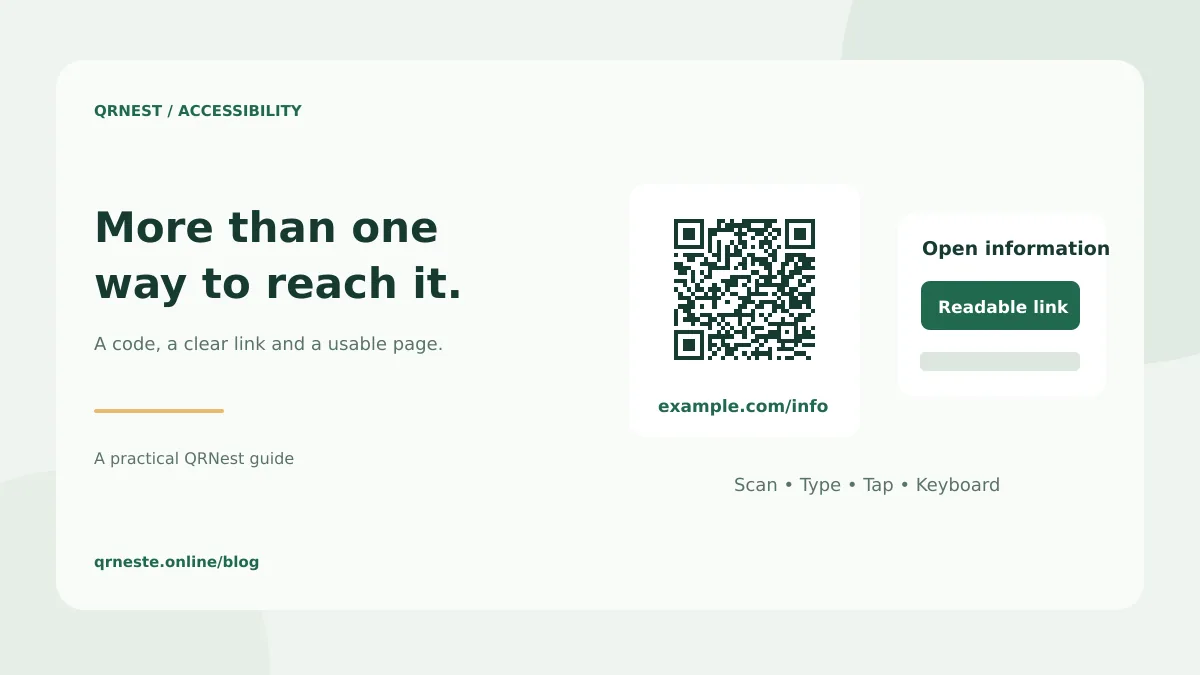
An accessible QR experience includes another way to reach the same information. Pair a printed code with a readable address, provide a normal link in digital content and make the destination usable with assistive technology and a keyboard.
In this article
Identify what scanning asks the visitor to do
Scanning can require finding a small symbol, holding a camera steadily, lining up a view and interpreting a prompt. Some people cannot do that comfortably or at all. Others do not have a suitable phone, do not want to use it or are already reading the material on the only screen available.
The practical design question is whether a person can still complete the intended task without scanning. Treat the code as one entry route. Essential information should not disappear behind a single camera-dependent action.
Choose the alternative for the medium
| Medium | A useful alternative |
|---|---|
| Printed leaflet | A short, readable web address beside the code |
| Email or web page | A descriptive clickable link to the same destination |
| Event sign | A readable address and an appropriate assistance route |
| Digital PDF | A real hyperlink and correctly tagged surrounding content |
Section508.gov's QR accessibility guidance discusses scanning barriers, descriptive alternatives and other ways to access the same content. Those ideas are useful when planning a public information flow; adding one link alone does not establish that an entire service meets every accessibility requirement.
Explain the action in ordinary language
“Open the workshop schedule” gives a visitor more information than “Scan here.” If the destination is a PDF, say so and include the language or file size when that helps someone decide whether to open it. Keep the wording consistent between the code label and its alternative link.
For a QR image embedded in digital content, describe its purpose in alt text when the image conveys meaningful information. For example, “QR code linking to the workshop schedule” describes the action. A nearby direct link should still work independently. Avoid an alt description that only says “black and white square.”
The W3C's writing tips for accessibility explain meaningful link text, clear headings and informative text alternatives. Apply the same principles to the destination, not only to the printed label.
Test the page after the scan
- Follow the ordinary link and the QR route to confirm they reach equivalent information.
- Navigate the page using a keyboard and check that focus remains visible.
- Inspect form labels, error messages and instructions for the task.
- Check the page at an enlarged text size and on a narrow screen.
- If the destination is a document, inspect the document's accessibility too.
- Ask for feedback from people who use the relevant assistive technologies where possible.
An automated audit can reveal useful issues, but a passing score does not prove that every person can complete the task. Include actual task checks, such as finding the venue entrance or submitting a registration form, in your review.
Keep the physical placement practical
Check whether the code and its text alternative can be read from the normal approach to a sign. Avoid glare, obstructions and a placement that requires an awkward reach. Keep the surrounding margin clear and test the printed size in its intended setting.
Common questions
Should I put a QR code on a mobile web page?
A normal link or button is usually the easier primary action on the same device. Include a QR image only when the cross-device use has a clear purpose.
Does QRNest certify my materials as accessible?
No. QRNest generates the code image. You remain responsible for the label, alternative routes, placement and destination experience.
Put this guide into practice
Generate a static QR code for your own verified text or URL, then test the downloaded result.
Create a clearly labeled website QR code ↗Official sources and further reading
This guide describes the current QRNest tools. Destination services and other apps may behave differently. Report an error or suggest an update.