Practical Questions
Can Multiple People Use the Same QR Code?
Learn when a shared QR code is useful, when you need unique codes and why scanning a common image does not identify a visitor or redeem a ticket.
Quick answer
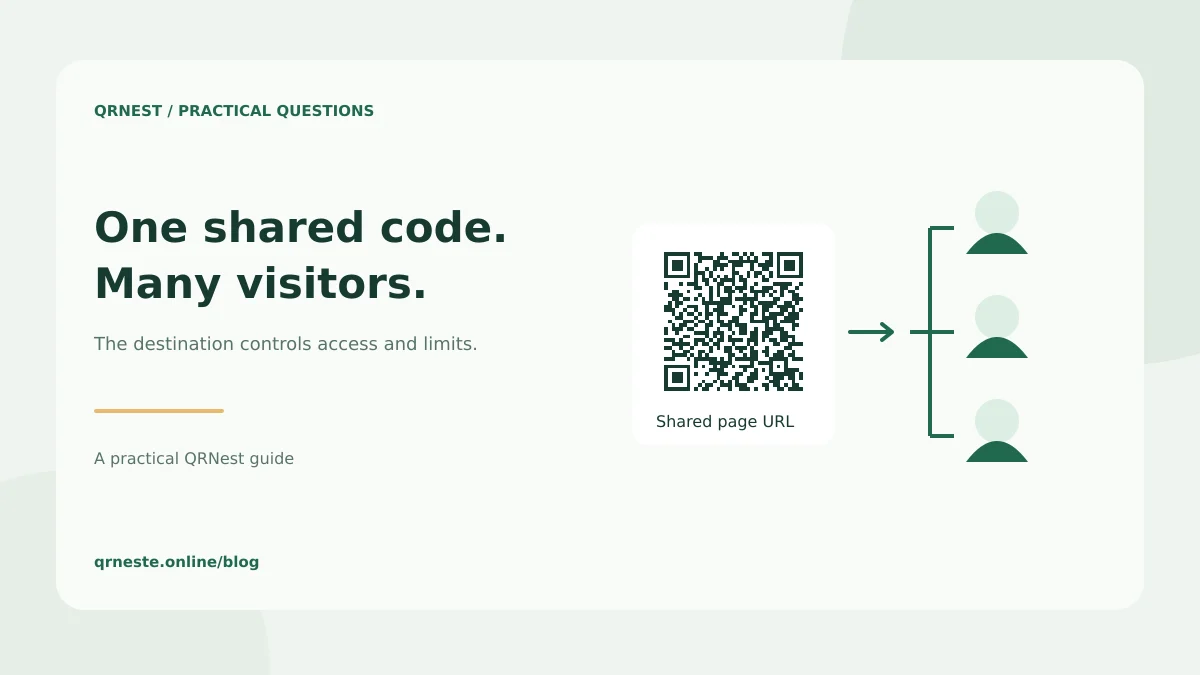
Yes. Multiple people can scan the same ordinary static QR code and read the same stored data. Scanning does not consume the image. Any limit on access, bookings, downloads or redemption must be enforced by the destination service or another system behind it.
In this article
When is one shared code the right choice?
A common code suits information intended for a broad audience: a restaurant menu, public directions, a registration form or a product instruction page. You can reuse the exported image across several signs when they should all open the same destination. Test each final placement, since size and lighting can vary even when the pattern is identical.
For example, a workshop can place the same registration-page code on a window poster and a counter card. Everyone reaches the form. The booking system then decides whether a place is available and whether the person has completed registration. The QR image itself does not reserve a seat.
When do you need a different code for each item or person?
Use unique identifiers when the workflow needs to distinguish records. An inventory label may identify one piece of equipment. A ticketing system may issue a separate token for each booking. A shared link to an event information page serves a different purpose from an admission credential that must be checked and marked as used.
Creating several images of the same URL does not make those images unique credentials. If you need one-time redemption, expiry or access permissions, choose a destination system that explicitly supports those rules and test its behavior. QRNest's static generator does not provide a ticket-redemption database or a visitor identity system.
Can you tell who scanned a shared code?
The image alone does not supply a person's identity. A website may record visits using its own analytics or ask the visitor to sign in, but those are separate mechanisms. A scan that never opens the destination may not produce a website visit at all. Avoid treating a count of landing-page visits as a verified count of distinct people.
If you want to compare placements, create distinct campaign URLs for the window and counter, then generate one code for each. Our UTM guide explains campaign visit measurement. Keep any reporting consistent with your site's privacy choices and the information you actually need.
What should you check before distributing a shared code?
- Open the destination without your account and confirm the intended access.
- Make sure visitors can complete the task independently.
- Check capacity or access rules in the destination system.
- Print a clear purpose statement and alternative address.
- Assign someone to maintain the destination after launch.
DENSO WAVE's patent statement addresses free use of standards-compliant symbols; a destination provider's plan and usage conditions remain a separate matter. For record-based workflows, see inventory identifiers. For attendee workflows, see event registration codes. Decide whether you are sharing information or managing individual entitlements before choosing how many codes to make.
Put this guide into practice
Generate a static QR code for your own verified text or URL, then test the downloaded result.
Create a URL QR code ↗Official sources and further reading
This guide describes the current QRNest tools. Destination services and other apps may behave differently. Report an error or suggest an update.