Ownership and Access
Can I Delete a QR Code After Sharing It?
Understand what deleting a QR image actually removes, how to stop access to linked content and why existing screenshots or printouts remain readable.
Quick answer
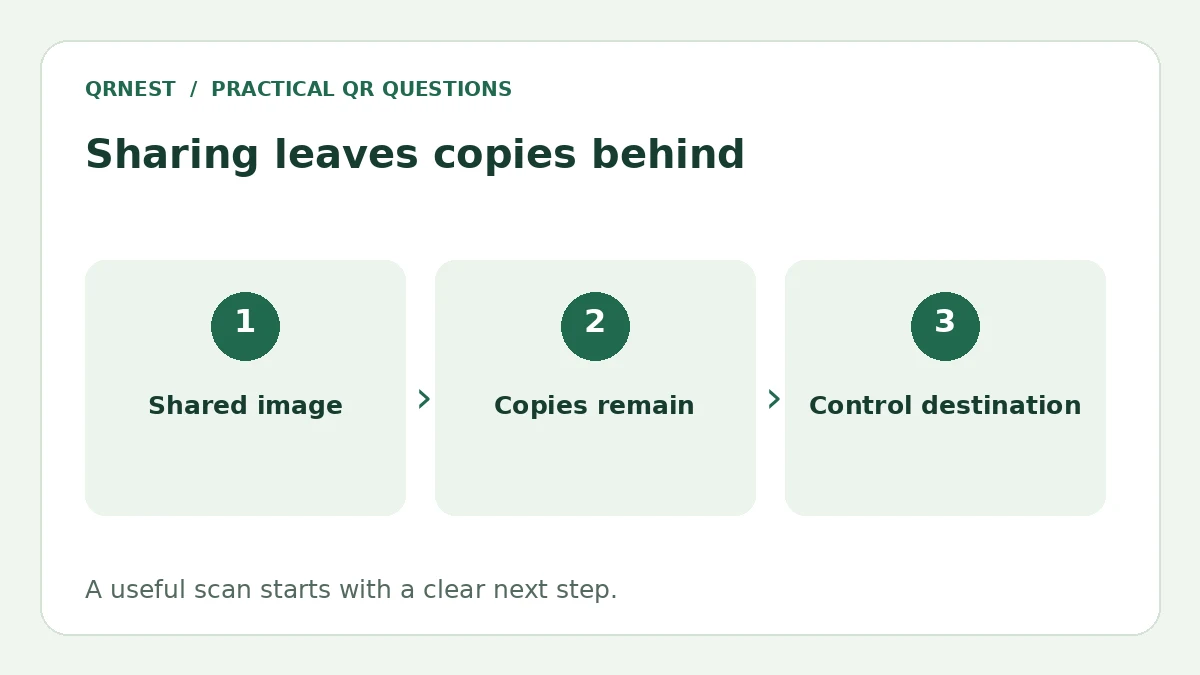
Deleting your saved image does not erase printed copies, screenshots or the data inside a static QR code. You may be able to remove or restrict the linked content if you control its destination. A dynamic provider can have separate disable or delete controls, governed by that service.
In this article
What disappears when you delete the image?
Only the copy you delete is removed from that location. A code already printed on a poster or saved on another phone still represents the same payload. QRNest's static generator does not provide a central switch that can rewrite or withdraw every distributed copy.
This matters especially for text and contact codes: their information is in the pattern rather than on a page you can change. Removing a website will not erase a phone number encoded directly into a contact card. Decide what can safely be distributed before publishing an image.
How can you stop access to a linked resource?
Identify the exact URL stored in the code and who controls it. If it points to a page on your website, you can replace outdated content with a clear closing message or remove the resource. If it points to a hosted document, review the host's actual sharing permissions. Disabling an intermediate link is not sufficient if the final file is still public.
For example, Google Drive's sharing guide distinguishes restricted access from access for anyone with the link and explains removing access. Folder inheritance can affect what a person can still open. Check the file and its containing folder rather than relying only on the appearance of a landing page.
What is a practical retirement checklist?
- Decode or scan an existing distributed copy and record its exact payload.
- Confirm whether it contains direct information or a URL.
- For a URL, remove or restrict the content through the account that owns it.
- Test the original code in a signed-out browser and with any previously authorized access that matters.
- Replace physical displays and public downloads you still control.
- Leave a useful closing notice when visitors would otherwise reach a confusing dead end.
A customer promotion might need a page saying the offer has ended, with a route to current information. A confidential document needs correctly enforced permissions. These are different outcomes; choose the response that fits the material instead of deleting everything indiscriminately.
What cannot be recalled remotely?
You cannot assume that restricting a link removes files someone already downloaded, photographs they took or information they copied. Access control can govern future requests, but it is not a recall mechanism for every existing copy. If sensitive information was distributed accidentally, address the underlying exposure rather than treating image deletion as a complete fix.
For a permanently removed web resource, MDN explains the 410 Gone response. That is a server response about the destination; it does not stop a scanner from decoding the printed URL. Our expiry guide covers availability, while password protection covers controlling access. Keep ownership of important destination URLs documented throughout the code's lifetime.
Put this guide into practice
Create a static QR code for a verified destination, then test the downloaded image and the visitor experience.
Create a URL QR code ↗Official sources and further reading
This guide describes the current QRNest tools. Destination services and other apps may behave differently. Report an error or suggest an update.