Video and Media
Can I Make a QR Code for a Video?
Make a QR code that opens a hosted video, check who can watch it and plan a reliable destination before printing a tutorial or product label.
Quick answer
Yes. Publish the video on a suitable host, copy its viewer link and encode that URL in a QR code. The code contains the address, not the video file. Viewers still need access to the video and a connection to load it; scanning does not guarantee automatic playback.
In this article
Where does the video need to live?
Use a video platform, a sharing service with appropriate playback support, or a page on your own website. Choose somewhere you can maintain access for the lifetime of the printed materials. A local path to an MP4 on your laptop is not a public viewing address.
For a product setup guide, consider a stable page on your own domain that embeds the current video and includes a short written alternative. You can then replace the embedded tutorial while keeping the printed destination unchanged. QRNest does not upload or host videos, manage their permissions, or create an editable redirect dashboard.
How do you create the QR code?
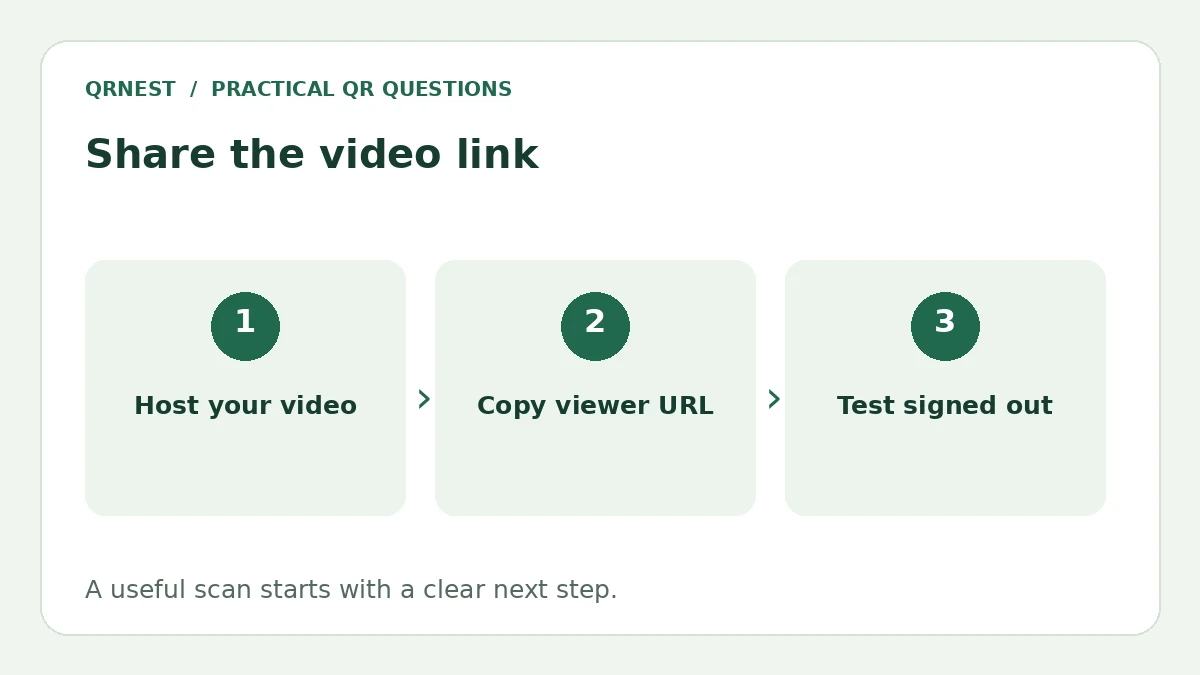
- Publish the video and choose the intended audience.
- Copy the viewer-facing share link, not an editing or upload-screen URL.
- Open the link without your creator account and check playback.
- Paste it into the QRNest URL tool, generate and download the code.
- Scan the downloaded image on a phone and test the viewing journey.
For YouTube, its sharing instructions describe Share followed by copying the video link. A timestamp can point to a relevant segment, but test that exact URL. Do not expect a share link to remove an age restriction, membership requirement or other viewing condition.
Is an unlisted video private?
No. YouTube distinguishes Public, Private and Unlisted visibility. An unlisted video can be watched and reshared by anyone with the link, even though it normally does not appear in search or the channel's public video list. Private access is a different setting.
A printed QR code distributes the link to everyone who can scan it. If the video is restricted, explain that viewers need the appropriate account or permission. For public instructions, verify a signed-out experience so customers are not unexpectedly stopped by your own sharing settings.
What makes a video QR useful in practice?
Label the code with a specific promise, such as Watch the two-minute assembly guide. Include the product name on the destination so viewers can confirm they opened the right tutorial. Offer captions and concise written steps where practical, and check playback controls on a small screen.
Test the final printed sample in the place where it will be used. Confirm that the image scans, the page loads, and the visitor can start the video. Keep a readable URL beside the code as another route. A scan is only the beginning; the viewing experience determines whether the tutorial helps.
Record who owns the hosting account and who will update the destination when instructions change. Our packaging guide covers long-lived labels, and the landing-page guide explains how to keep the next action clear. For a video campaign, plan the destination and maintenance process before ordering the print run.
Put this guide into practice
Create a static QR code for a verified destination, then test the downloaded image and the visitor experience.
Create a URL QR code ↗Official sources and further reading
This guide describes the current QRNest tools. Destination services and other apps may behave differently. Report an error or suggest an update.