Apps and Links
Can a QR Code Open an App Directly?
Understand app links, browser fallbacks and the device tests needed before promising that a QR code will open a particular mobile app.
Quick answer
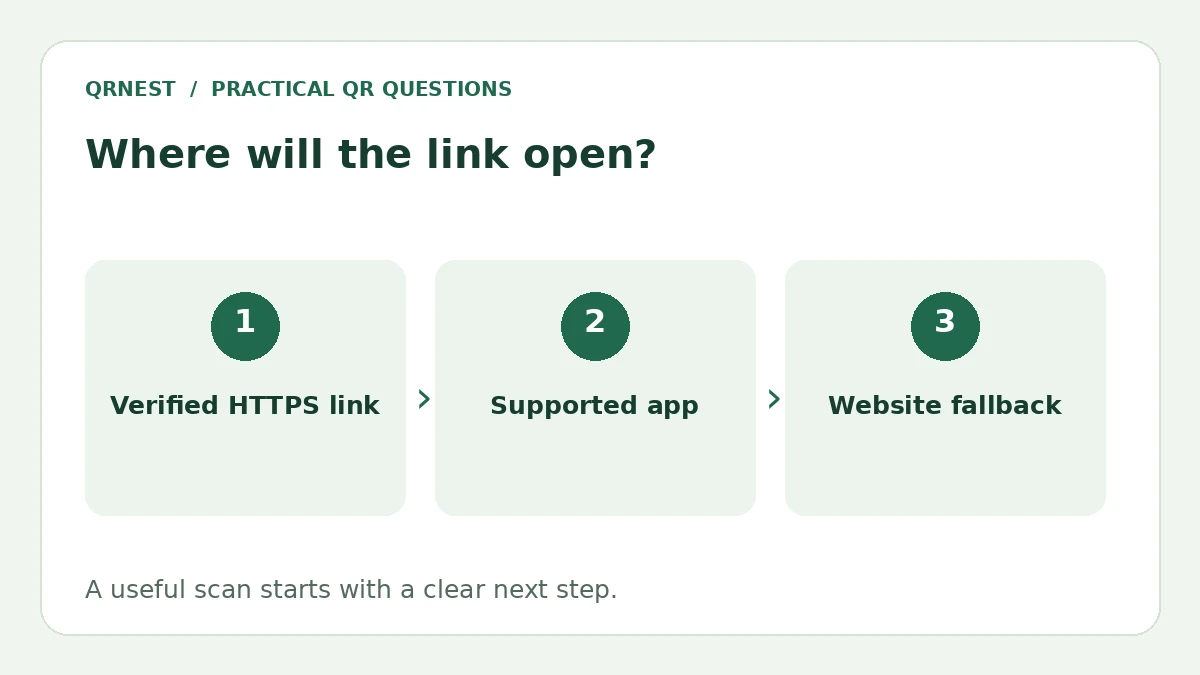
Sometimes. A QR code can contain a link that a phone routes to an installed app, but the outcome depends on the link, app configuration, reader and device settings. Use the service’s supported HTTPS link and test it. A generator alone cannot force an app to open or install.
In this article
What decides whether the app opens?
The code represents a payload; the scanning app and operating system handle what happens next. A plain website URL may open in a browser. A correctly associated app link may open corresponding content in an installed app. The same image can therefore lead to different experiences on two phones.
Android's documentation distinguishes ordinary deep links from verified Android App Links, which establish an association between an app and its website. Apple's universal-link guidance describes standard web links that can open app content and a browser fallback when the app is not installed. Those platform features require configuration by the app and website owner.
Which URL should you put into the generator?
For a third-party service, start with its official Share or Copy link action for the profile, item or video you want to share. Prefer the supported public HTTPS address over an undocumented custom scheme copied from a forum. Do not assume that adding an app name to the printed caption changes how the link is handled.
If your goal is downloads rather than opening existing content, a landing page can explain the app and provide clearly labeled official store links. That page should still be useful to someone browsing on a computer. QRNest can encode its URL, but it does not detect a visitor's device or configure native app-link associations for you.
What should your test matrix include?
| Situation | Check |
|---|---|
| App installed | Does the intended screen open, rather than just the app home page? |
| App absent | Is there a useful web page or clear installation choice? |
| Signed out | Is any login requirement understandable? |
| Different phone or reader | Does the experience remain usable if a browser opens? |
Run these checks using the actual downloaded QR image and a real camera or reader. Pasting a URL into a browser address bar is a different entry path and is not sufficient evidence of camera-scan behavior. Note the devices and app versions used, and repeat important tests before a large print run.
What if it opens the browser instead?
First confirm that you used the correct supported URL and that the target app is installed. For an app you own, have the developer check platform associations and the destination route. For another company's app, you generally cannot repair its configuration; provide a usable website or store-link fallback.
Write the printed promise conservatively, such as View our profile or Open the booking page, unless you have verified the narrower app-specific experience. Avoid promising automatic installation or silent actions. Our scan workflow guide explains the reader's role, while multiple-link pages can help when visitors need a choice.
Put this guide into practice
Create a static QR code for a verified destination, then test the downloaded image and the visitor experience.
Create a URL QR code ↗Official sources and further reading
This guide describes the current QRNest tools. Destination services and other apps may behave differently. Report an error or suggest an update.