Scanning Questions
Can I Scan a QR Code from a Screenshot?
Learn how to read a QR code saved on your phone, preserve image quality and recognize when a screenshot is not a valid ticket or credential.
Quick answer
Yes, an ordinary static QR code can be read from a clear screenshot using a reader that supports saved images. Keep the whole pattern and its border visible. A readable screenshot is not automatically a valid ticket: some entry systems require a live or rotating barcode.
In this article
How do you read a code on the same phone?
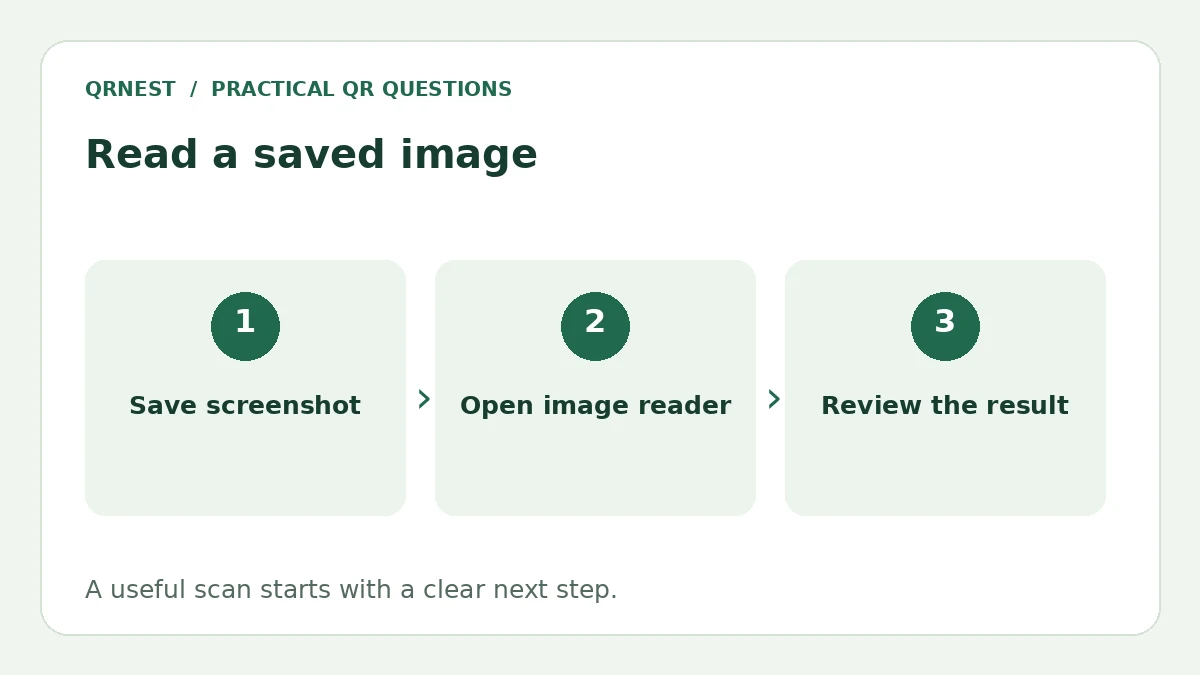
Use an image-aware reader rather than trying to point the phone's camera at its own screen. Save the screenshot, open it in a compatible photo or scanning app, and review the detected content before following a link. You do not need to recreate the code in a generator just to read it.
On Android, Google documents a Google Photos workflow: select the photo, open More, and choose Google Lens. Lens can inspect the image and offer relevant actions. Controls can vary with the installed app version. If you already use Ente Photos, its official QR guide describes opening a photo or screenshot and touching and holding the code on iOS or Android.
What makes a screenshot readable?
Capture the complete code and the light border around it. Avoid cropping tightly through the outer modules, covering part of the image with annotations, or repeatedly resizing it in messaging apps. A larger original image gives the reader more detail to work with than a tiny thumbnail enlarged afterward.
If you are publishing a code made in QRNest, distribute the downloaded PNG or SVG when possible. A screenshot may work, but it can capture an unfinished preview or reduce detail. Test the exact image your audience receives, including any compression introduced by the channel where you share it.
Will a ticket screenshot work at the entrance?
Check the ticket issuer's instructions instead of assuming that every visible barcode is reusable. A static menu link and a time-sensitive admission credential serve different purposes. A reader might decode an image successfully while the entry system rejects the credential behind it.
For example, Ticketmaster explains that some mobile ticket barcodes refresh and that screenshots do not provide entry. Use the issuer's supported app or wallet process for that ticket. This does not mean a screenshot of an ordinary public website QR code is inherently invalid.
Should you upload every screenshot to an online reader?
First consider what the image contains. A screenshot can include account details, Wi-Fi credentials, a sign-in code or a ticket token. Sharing it with an unfamiliar decoding website may disclose more than a public URL. Prefer a trusted reader you already use and inspect its privacy information before submitting sensitive images.
QRNest currently generates codes; it does not provide a screenshot-decoding tool. If a code is on another screen or a printout, a compatible camera reader is another option. Whichever method you use, check the destination preview before opening it. Our QR safety guide and scan workflow guide explain the difference between recognizing a pattern and trusting the action it offers.
Put this guide into practice
Create a static QR code for a verified destination, then test the downloaded image and the visitor experience.
Create a URL QR code ↗Official sources and further reading
This guide describes the current QRNest tools. Destination services and other apps may behave differently. Report an error or suggest an update.